
rootware.net
(not affiliated with any other websites, rootware.net is my only domain.)
i buy and fix old computers, i also make small guides on specific laptops
index / github / software / guidesT440p dissasembly and bios flashing guide
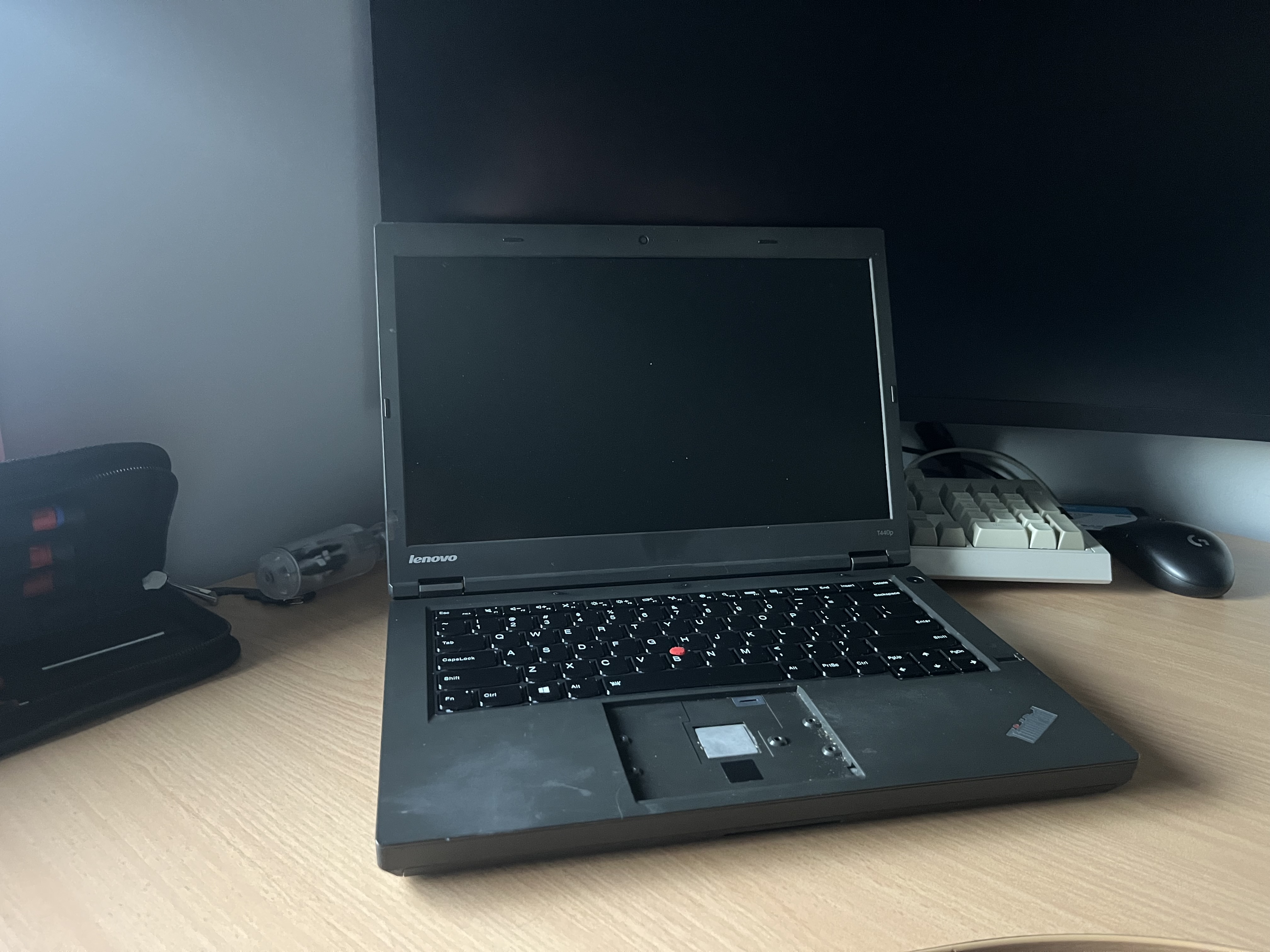
Flip the laptop over and unscrew these two screws near the battery.
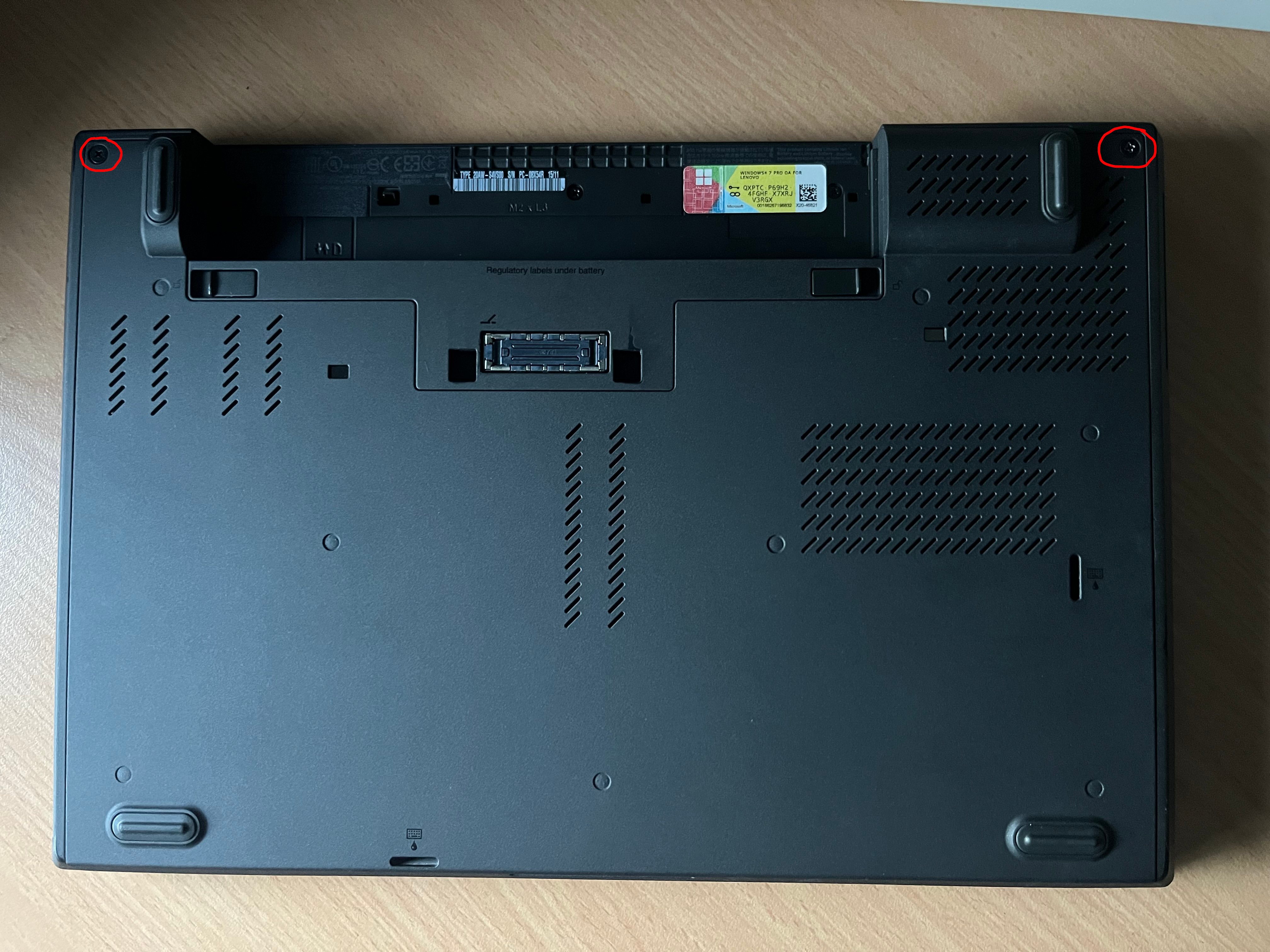
Slide down the back cover and remove it.
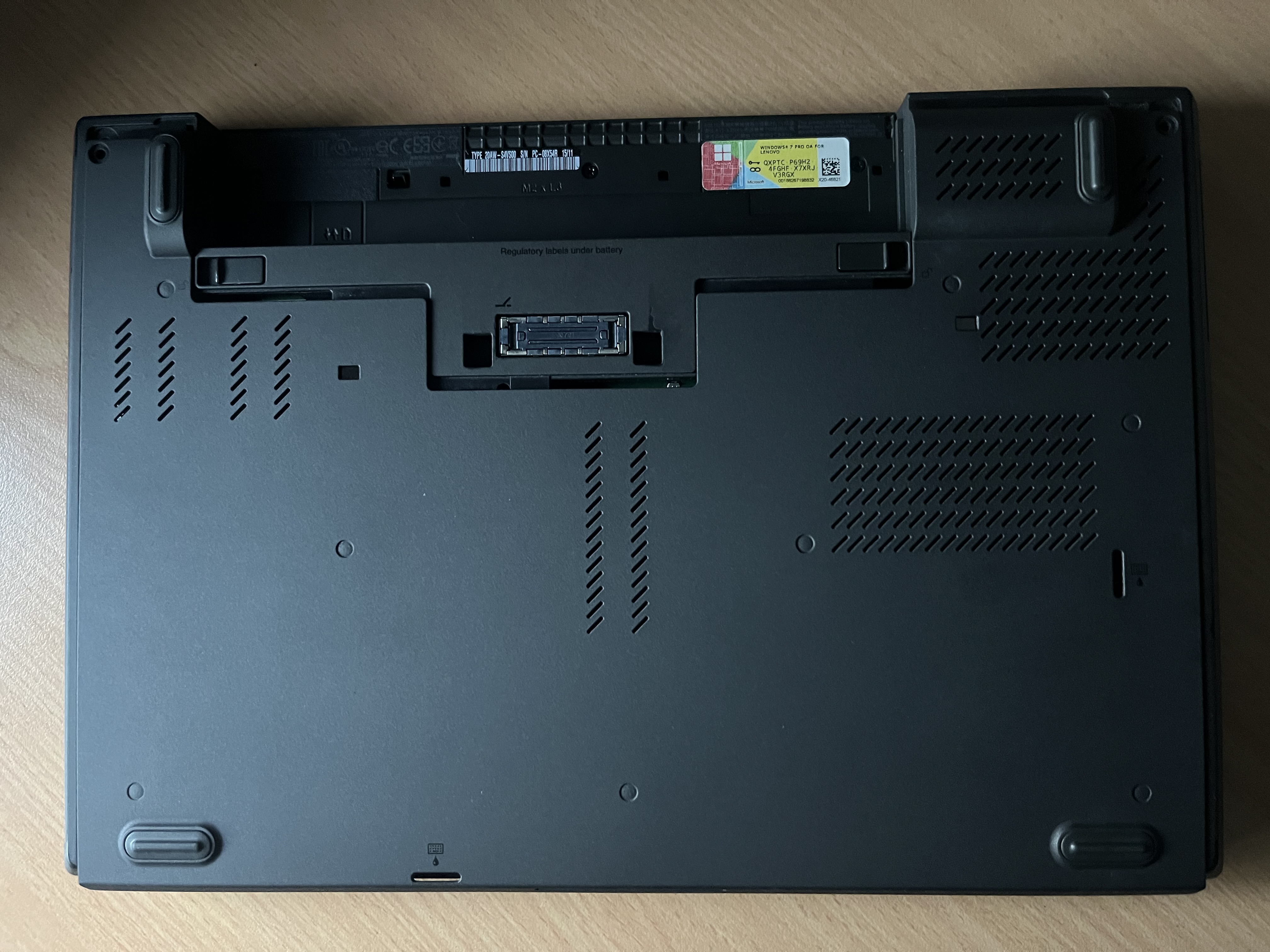
Next you need to unscrew all the circled screws and put them somewhere safe.
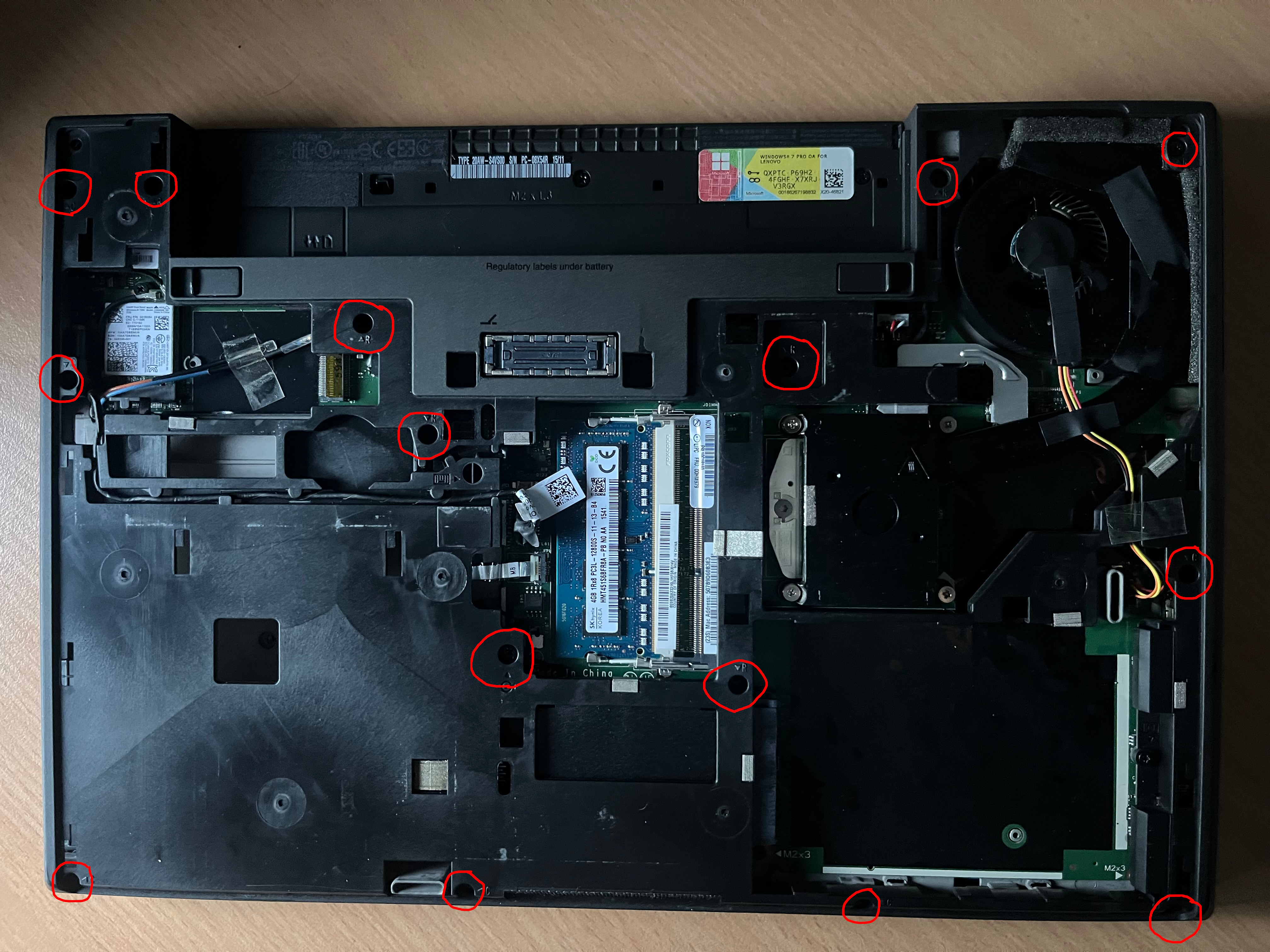
Unplug and deroute this cable here.
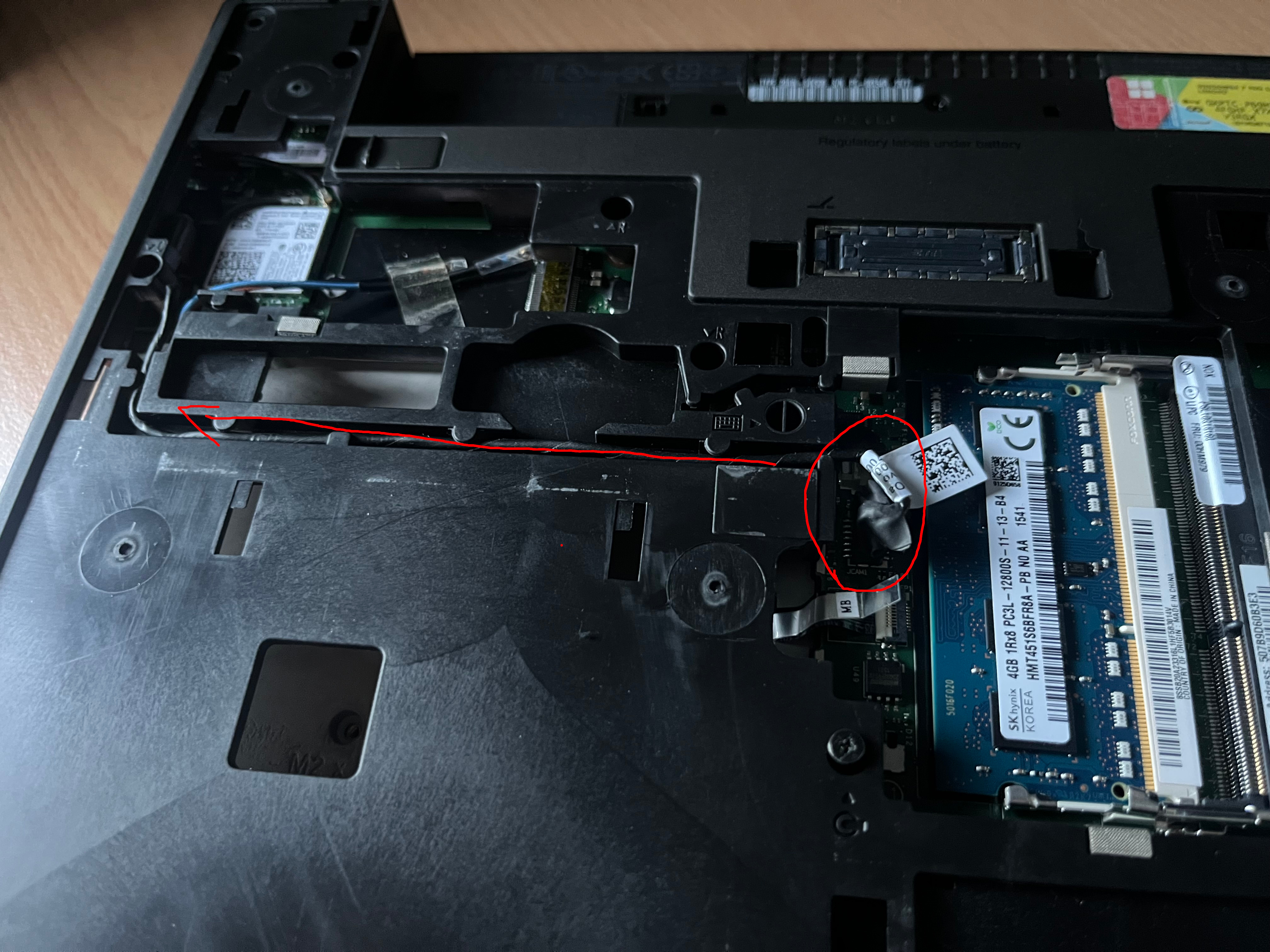
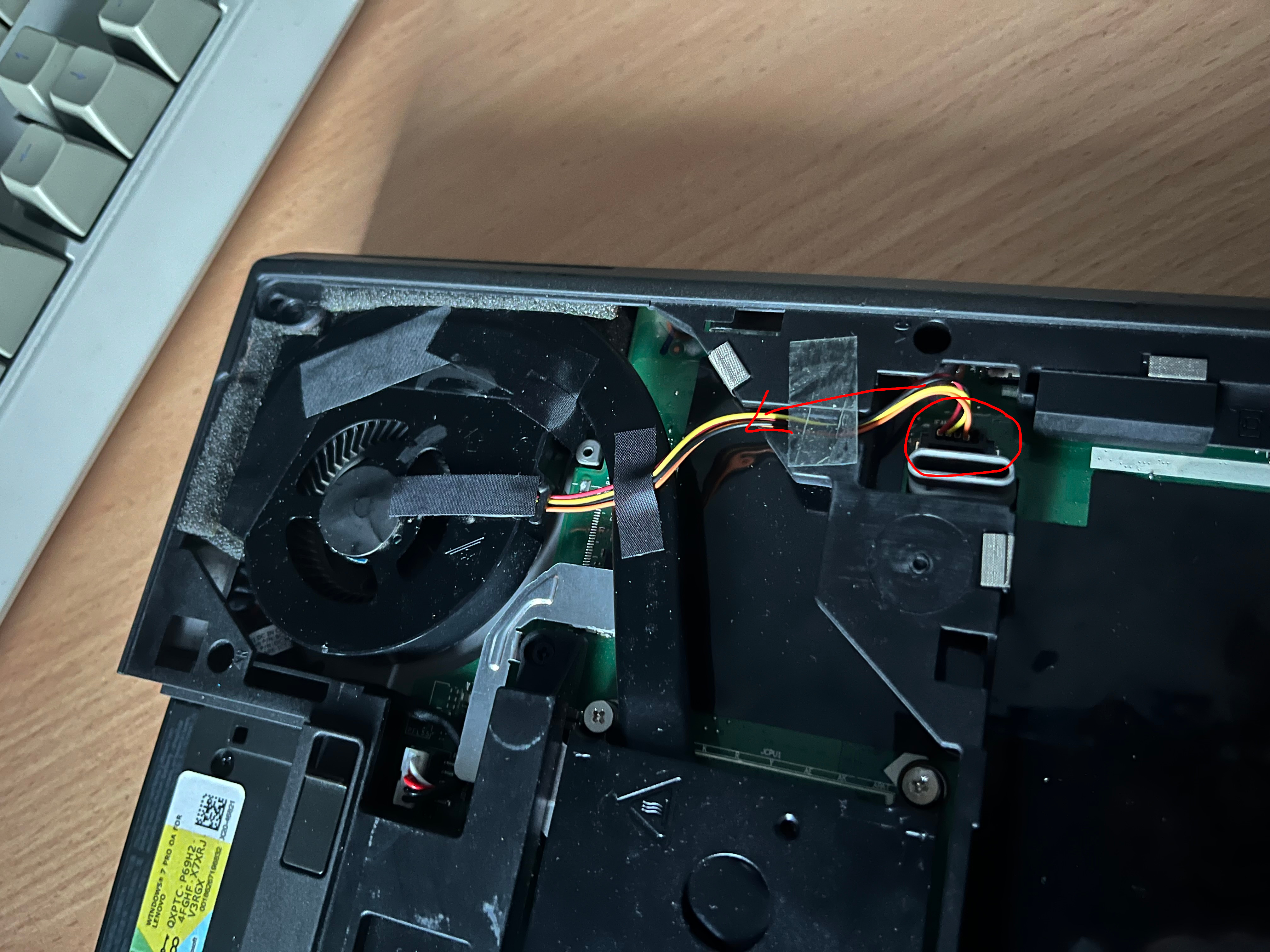
Also unplug and deroute the cpu fan.
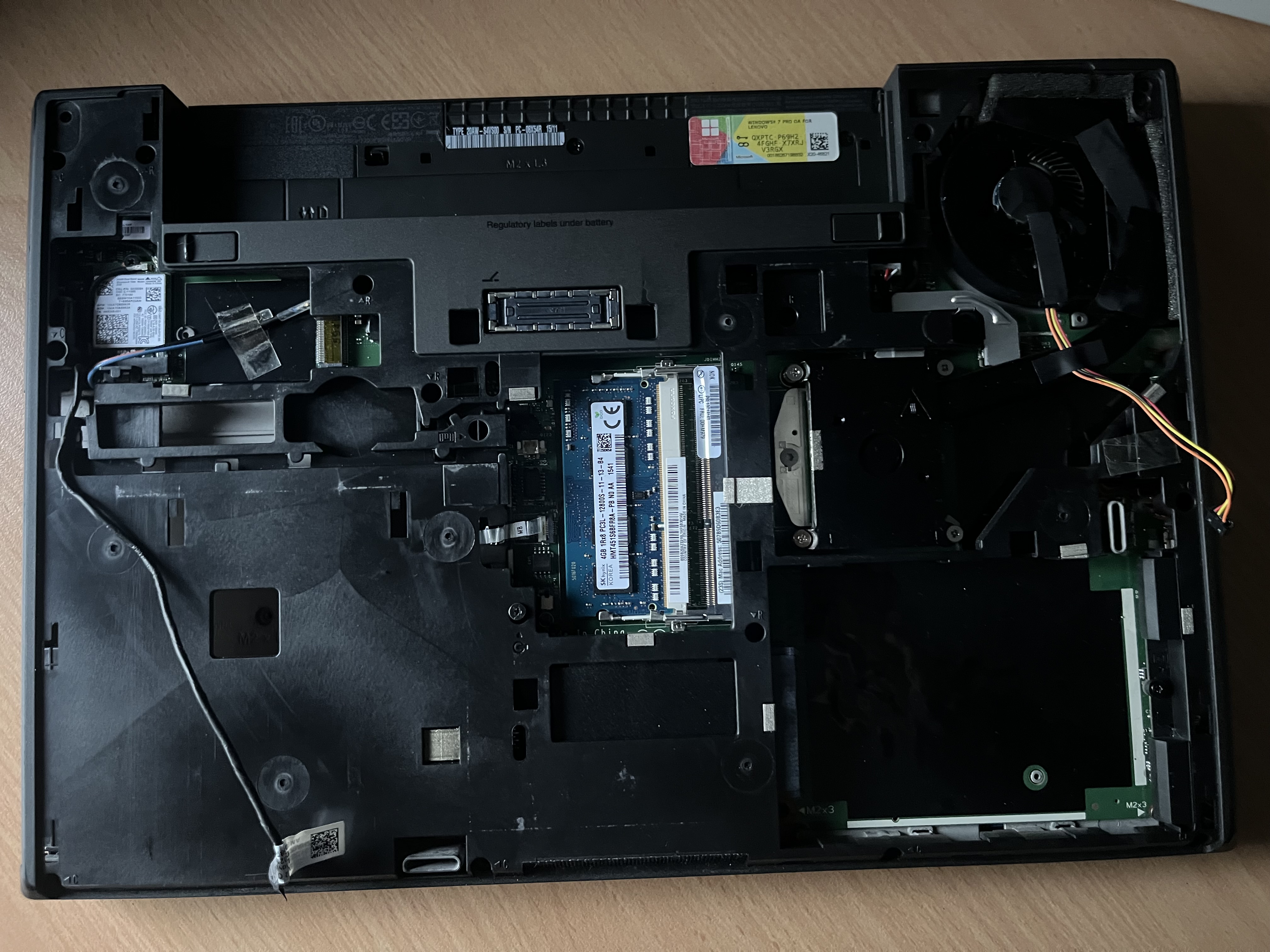
Everything unrouted:
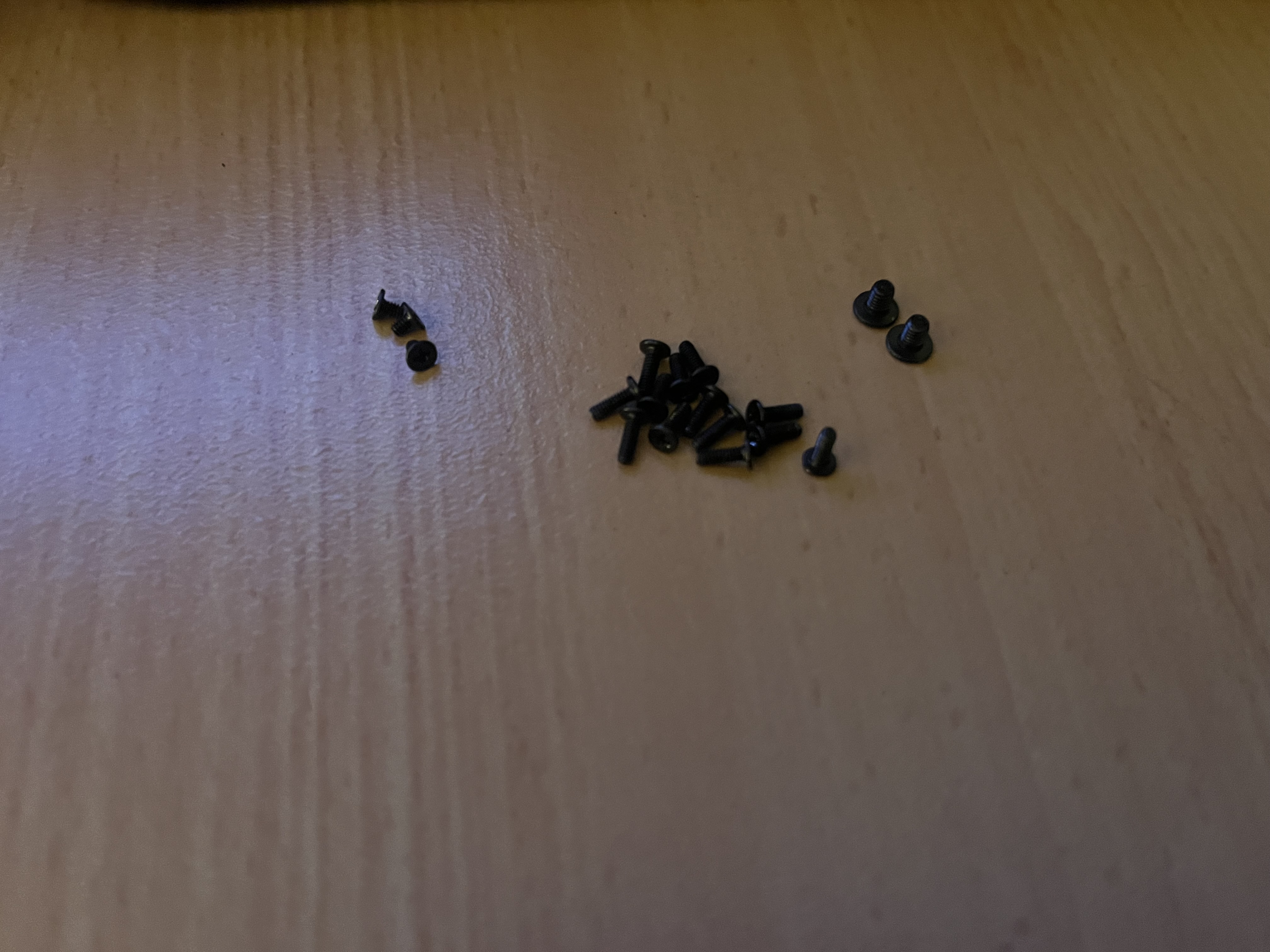
You should have about this many screws left.
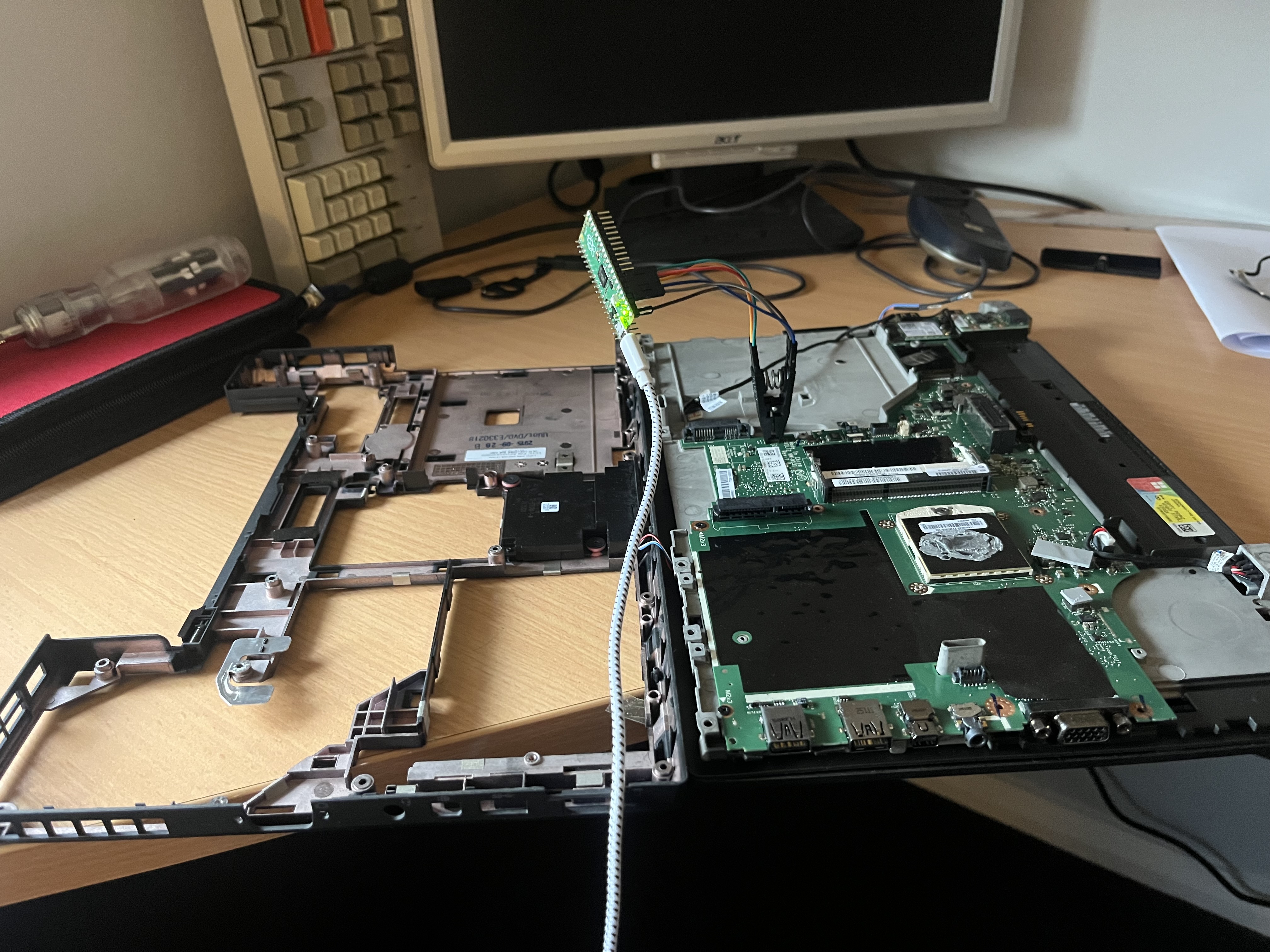
Next unclip everything and open it like a book, then connect the soic 8 clip.
!!!BIOS FLASHING!!!
1. If you dont backup your rom with you can brick your device.
2. Alot of people say that using the ch341a black will fry your bios chip since it runs at 5V, this is not true and you are perfectly fine to use a ch341a.
Backing up your roms
To back up your original bios rom you can run
"sudo flashrom -p ch341a_spi -r backup.rom"
And if youd like to use flashprog with a rasp pi pico and a ponoma clip like i am in the photo, the command is
sudo flashprog -p serprog:dev=/dev/ttyACM0:115200 -r backup.rom
Next is actually writing your rom file, for flashrom to write coreboot.rom then use:
sudo flashrom -p ch341a_spi -w coreboot.rom
And for flashprog use the command:
sudo flashprog -p serprog:dev=/dev/ttyACM0:115200 -w coreboot.rom